Import LAS Files In Excel
LAS (Log ASCII Standard) is the de-facto file format for well log data. Petroleum Office's LAS Import tool reads LAS v2.0 and v3.0 files and lays them out in Excel — curves as columns, header metadata preserved — so you can crossplot, build composite displays, and run petrophysical workflows without leaving Excel.
Step 1. Click LAS Import in the Tools group on the Petroleum Office ribbon. The pane opens with three sections: file selection, curve preview, and import options.
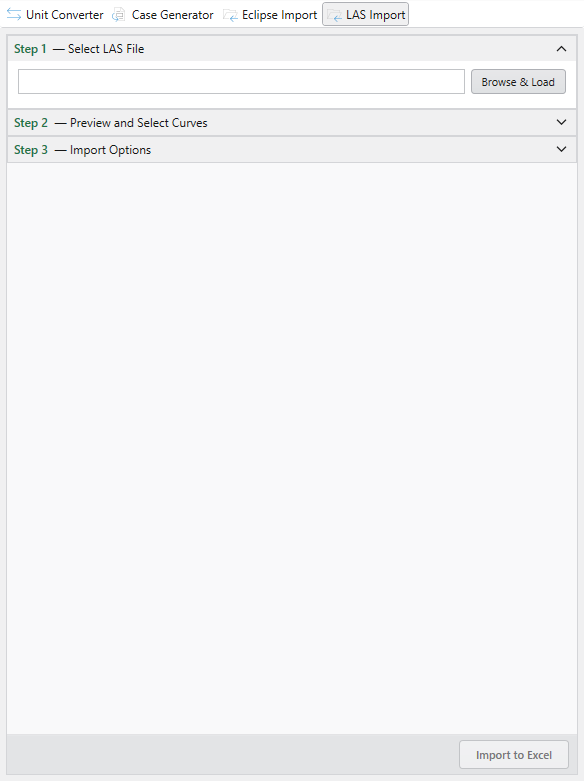
Step 2. Click Browse & Load and pick a .las file (both LAS v2.0 and v3.0 are supported). The pane parses it on the spot and lists every curve with its unit and description.
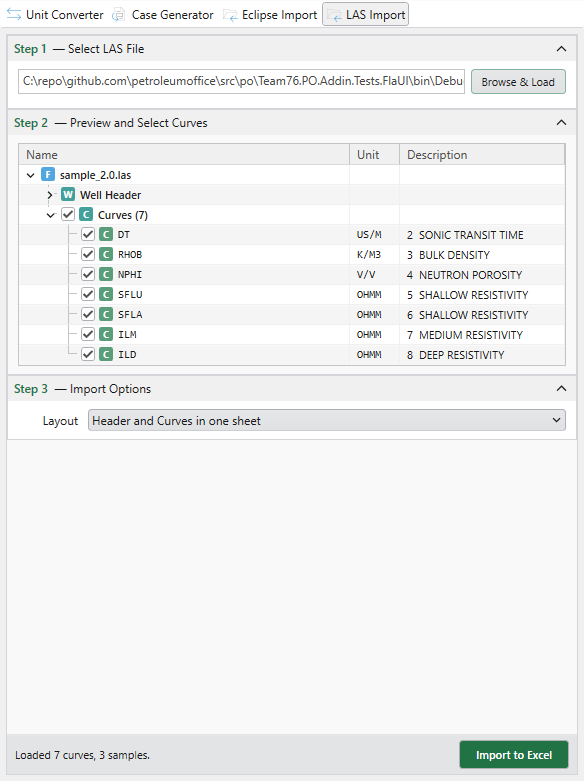
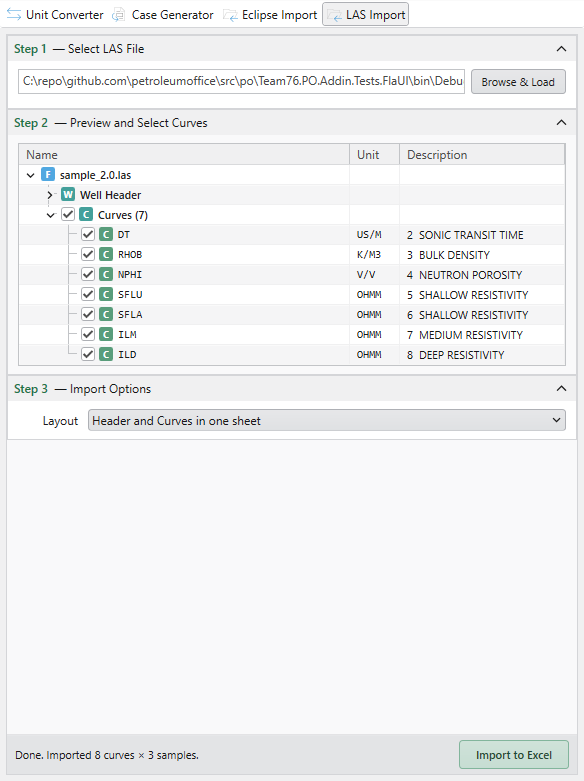
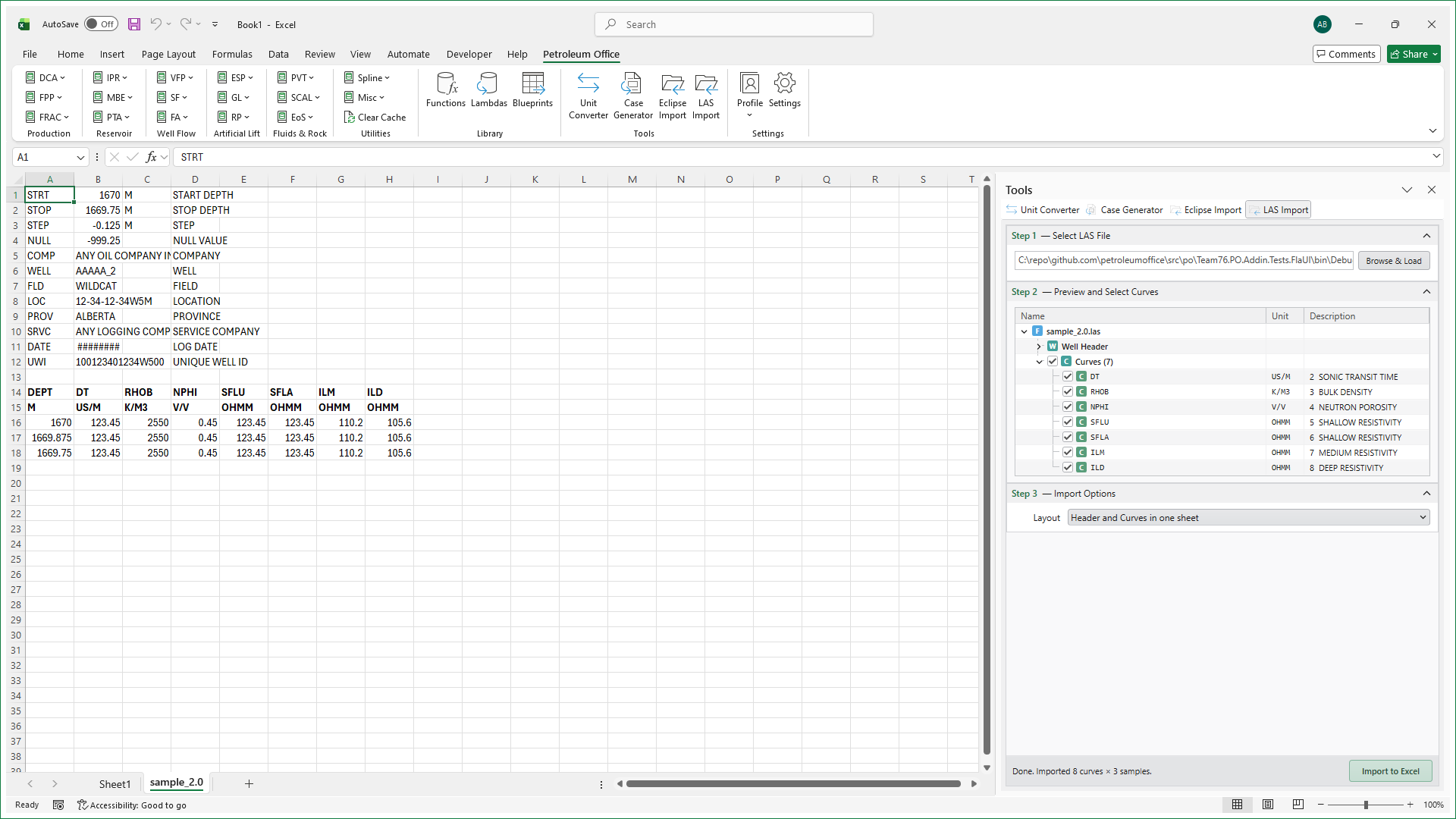
Step 3. Tick the curves you want, then click Import to Excel. Each file is imported into the current workbook as a separate sheet named after the file. Header sections (~Well, ~Curve, ~Parameter) are written above the data block.
The result in Excel:
Tips
- Multi-well datasets. Select several LAS files at once to build up a multi-well workbook in a single import.
- Crossplots. With curves in columns, Excel's chart and PivotTable features make crossplots (GR vs porosity, Rt vs Sw) trivial.
- Round-trips. Imported sheets are plain Excel — no add-in lock-in. You can copy the data into your usual petrophysical workflow.