How To Use Case Generation
The Case Generator builds one input file per case from a single template, replacing tokens with values you keep in a worksheet.
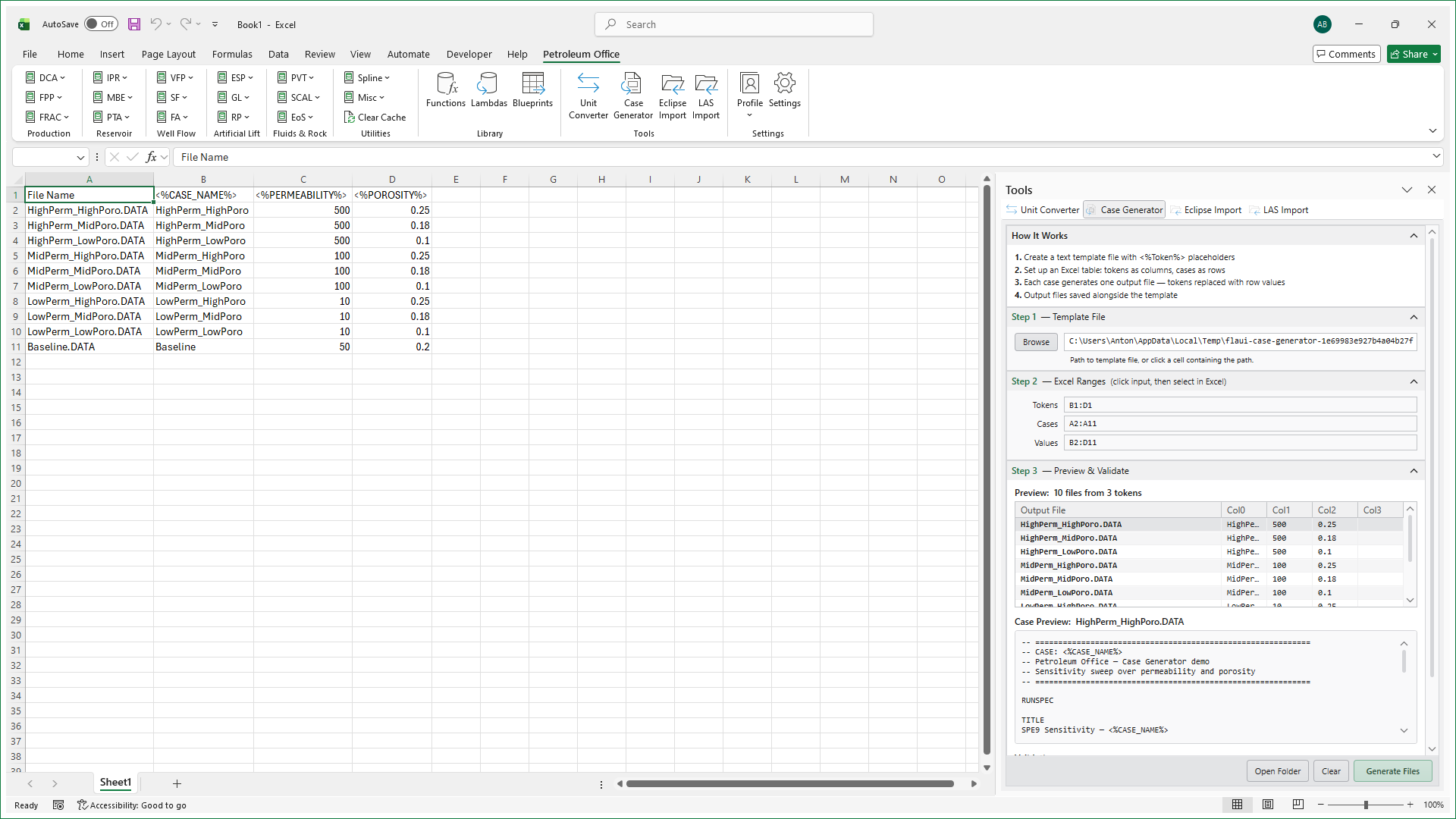
Click Case Generator in the Tools group on the Petroleum Office ribbon. The Tools pane opens at the side of the Excel window with the Case Generator tab in front, so it stays open while you select ranges in the sheet. The pane works in three steps.
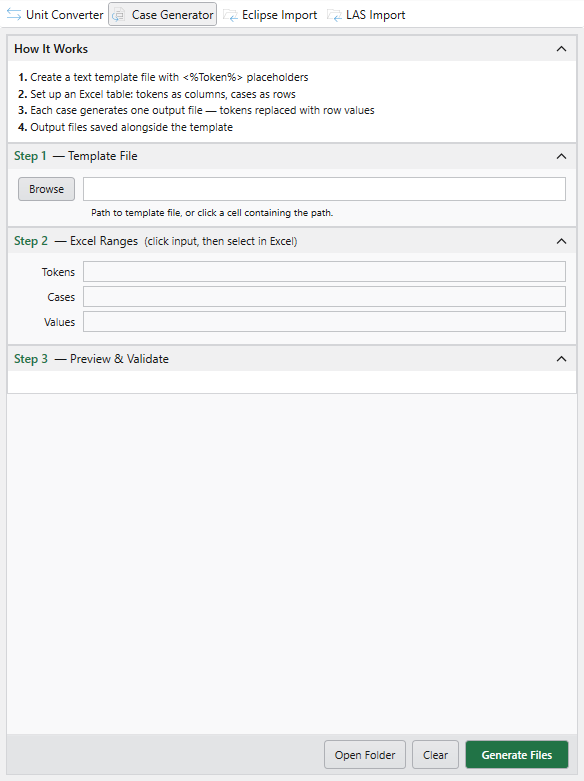
Step 1 — Template File. Click Browse to pick the template file, or type or point at its path directly.
Step 2 — Excel Ranges. Three ranges, each selected the same way — click the input, then select the cells in Excel:
- Tokens — the placeholders in the template that get replaced. Tokens must be unique.
- Cases — the output file name for each case. Names must be unique.
- Values — the table of values, one row per case and one column per token.
Step 3 — Preview & Validate. The preview lists the output files with the values each will receive, so you can check the mapping before writing anything to disk.
When the preview looks right, click Generate Files. Generated files land in the template's folder — Open Folder opens it in Windows Explorer, and Clear resets the inputs.
Below: example content of a simple file template alongside the content of a generated file.