Productivity Tools
Beyond our 600+ Excel functions, Petroleum Office includes powerful tools to streamline your everyday engineering workflows.
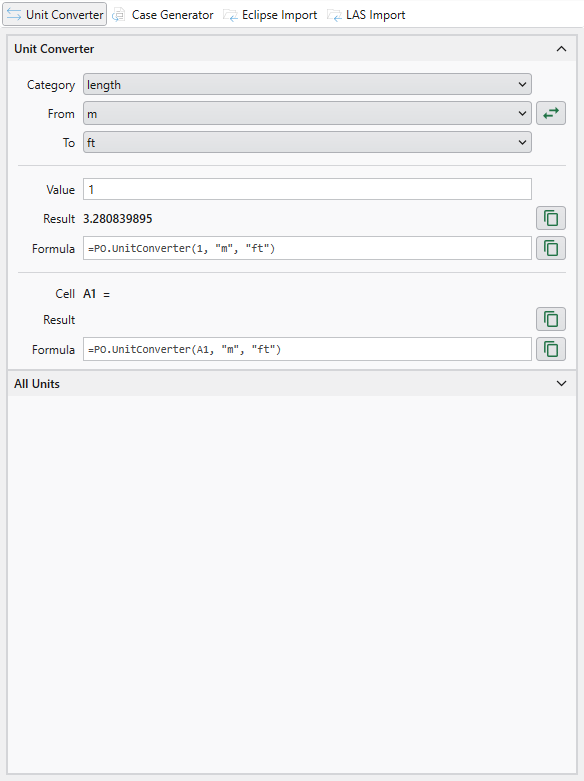
Unit Converter
Convert between petroleum engineering units instantly
Quick conversions from the ribbon for common categories like length, pressure, volume, and flow rates.
Support for custom unit expressions (e.g., bbl*psi/day) and scaled units (e.g., 640 acre).
All registered units searchable and ready to use in your spreadsheets.
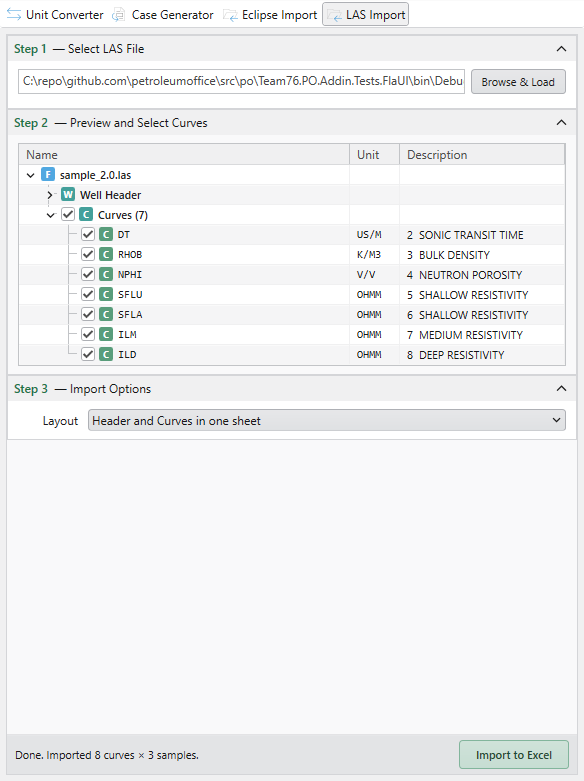
LAS Import
Load well log files (LAS v2.0 / v3.0) into Excel
Import LAS well log files with curves, header metadata, and parameter sections preserved.
Each curve becomes a column on a dedicated worksheet — ready for crossplots and petrophysical analysis.
Batch-import multiple LAS files in one go to assemble a multi-well dataset.
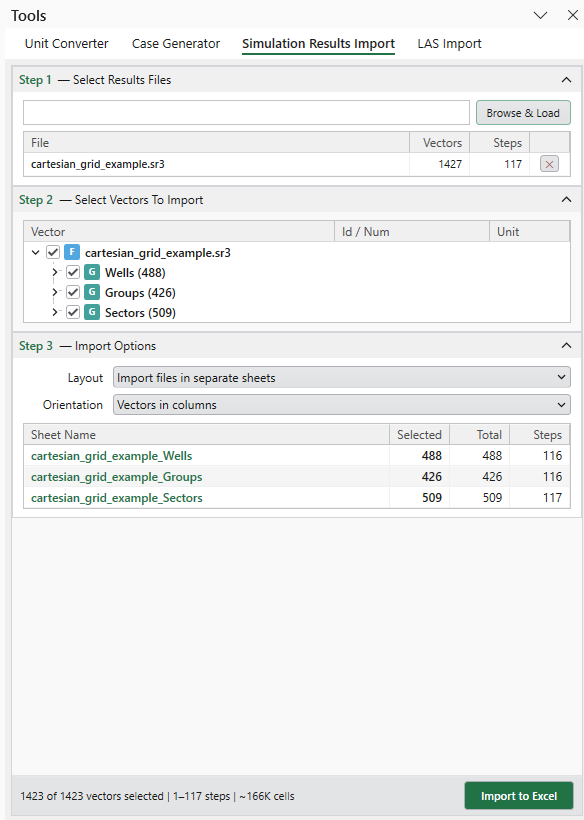
Simulation Results Import
Load ECLIPSE and CMG results directly into Excel
Import ECLIPSE summary output (.SMSPEC) and CMG IMEX, GEM and STARS results (.sr3) directly into Excel.
Pick the vectors you need, grouped the way each simulator reports them, and preview the sheets before importing.
Units, well and group names and TIME and DATE columns come with the data — ready for charting.
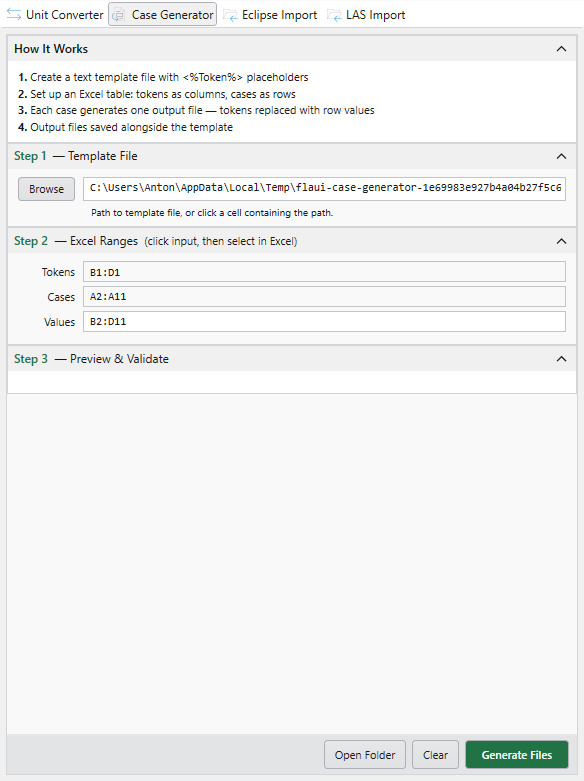
Case Generation
Batch-create input files from Excel templates
Define tokens in your template files and map them to cases and parameters in an Excel table.
Generate hundreds of scenario files in seconds — perfect for sensitivity analysis and history matching.
Keep all your simulation run summaries organized in one place while automating file creation.