Case Generation
Batch-create simulation input files from Excel templates — define tokens, map parameters, and generate hundreds of scenario files in one click.
How Case Generation Works
From a template file plus an Excel cases table to N output files in three steps.
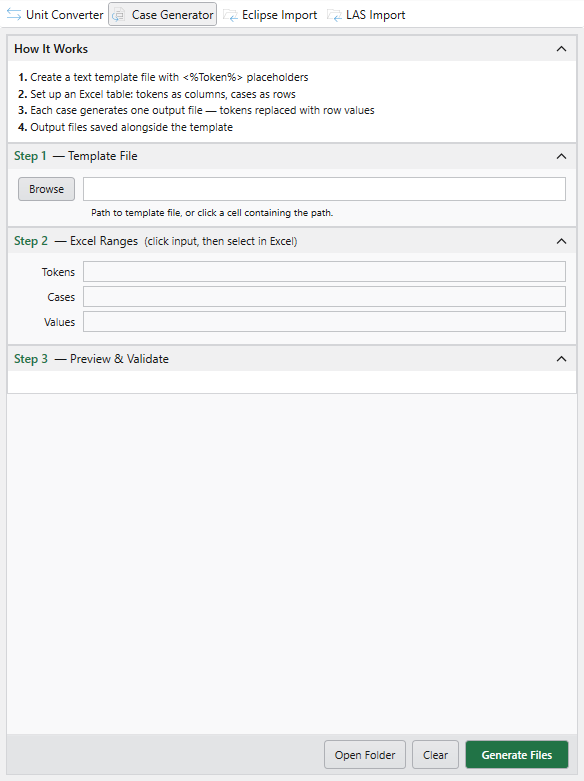
Open the Case Generator pane
Pick Case Generator from the Tools group on the Petroleum Office ribbon. The pane opens with empty Step 1 (template path), Step 2 (Excel ranges), and Step 3 (preview & validate) sections.
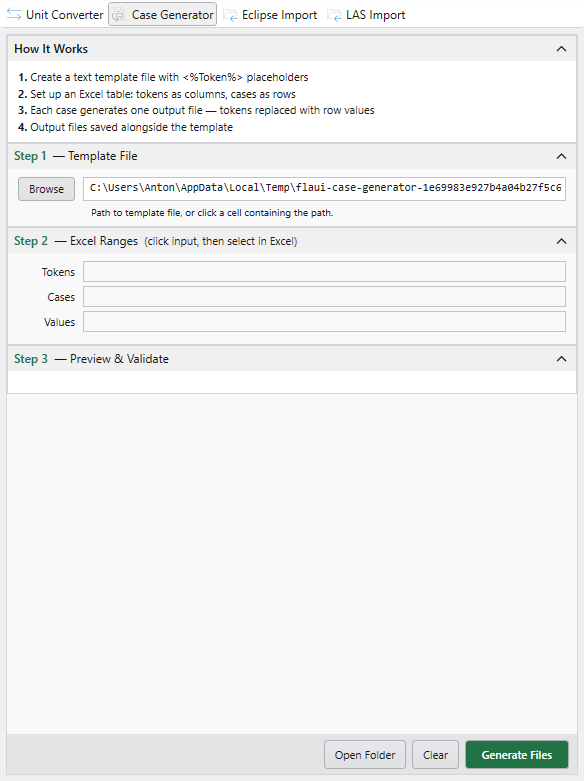
Point at your template
Browse to a text file with <%TOKEN%> placeholders — an ECLIPSE deck, a CMG input, any plain-text simulation file. The path resolves and you're ready to map ranges.
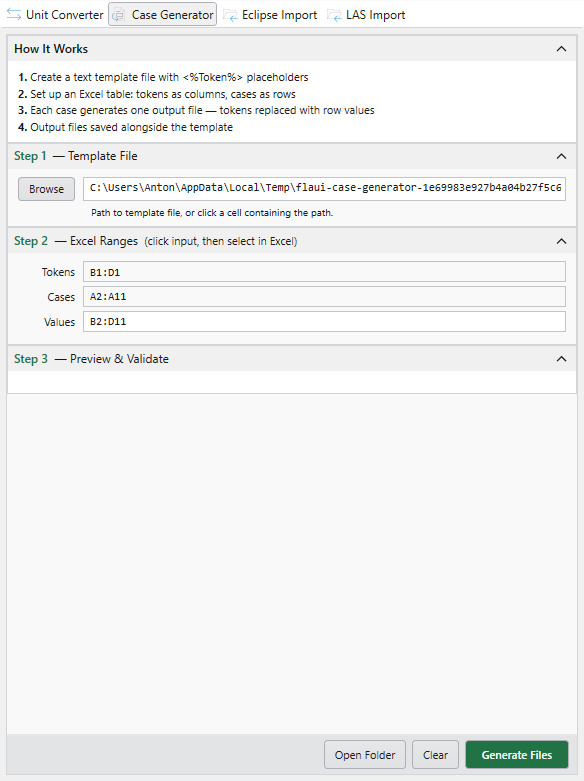
Map Excel ranges and generate
Point Tokens, Cases, and Values at the matching Excel ranges — tokens as a header row, cases as a column, values as the inner block. The preview validates everything; click Generate Files to write one output file per case row.
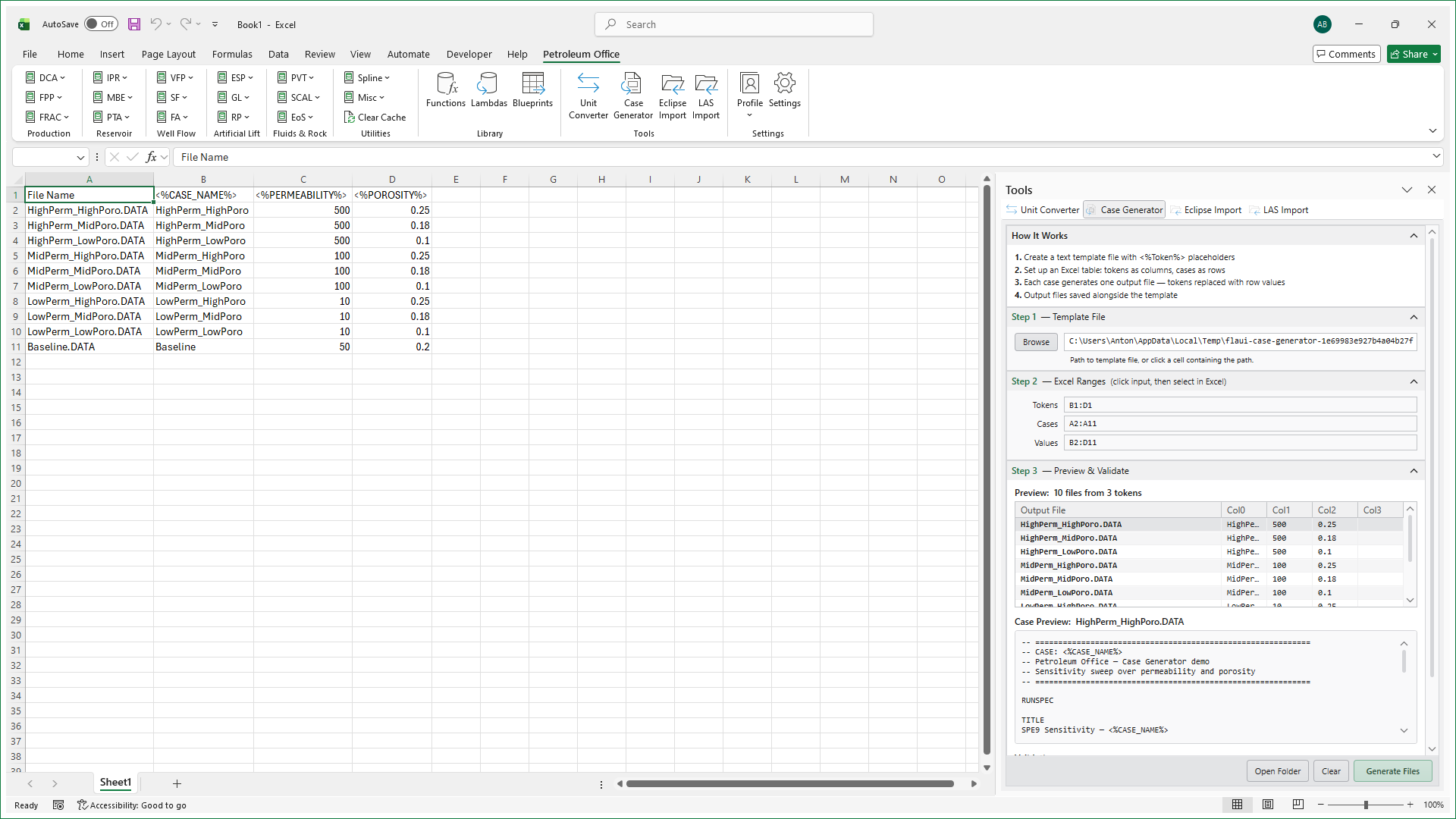
One small Excel table, N output files
Each row in your case table becomes one generated file alongside the template — tokens replaced with that row's values. The whole loop lives in Excel: edit the cases, hit Generate, ship the deck.
Common Use Cases
Sensitivity Analysis
Vary parameters systematically
- Permeability, porosity, skin factor sweeps
- Well spacing and completion variations
- Economic scenario analysis
History Matching
Generate candidate models
- Create hundreds of parameter combinations
- Automated file naming for organization
- Quick iteration on model parameters
Batch Simulation
Any text-based input format
- ECLIPSE, CMG, tNavigator input files
- Any text file with token substitution
- Template stays in sync with generated files